Some adventures come with study notes: a short, readable summary of each module you've reached, written from the course's own material, plus a glossary of the terms it uses. When your adventure has them, its Resources page becomes the Library, a place to revise whenever you like. Your adventure may call the page something else.
The Three Tabs
- Study notes — one set of notes for every module, slide deck and case study you've reached.
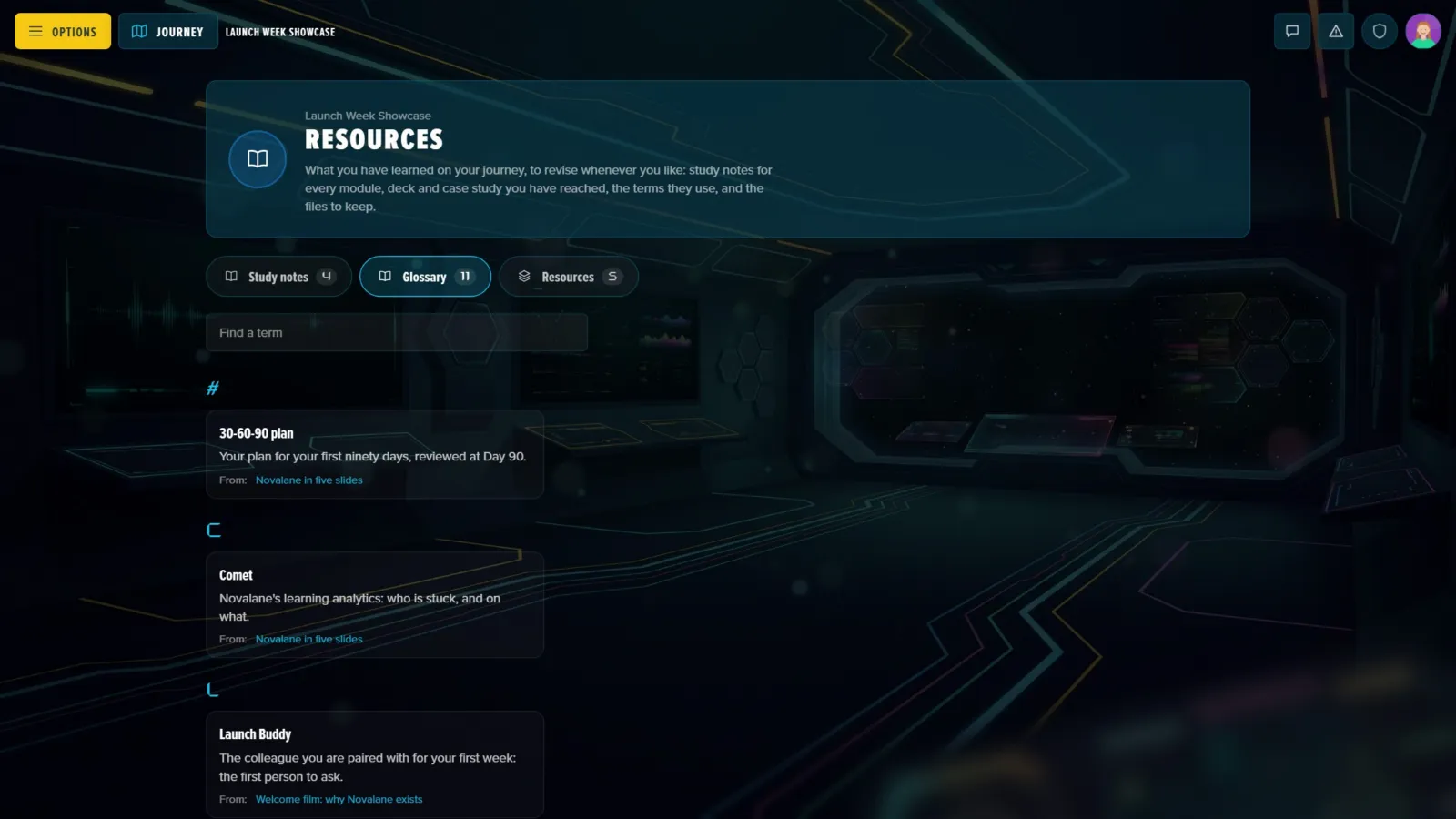
- Glossary — every term from the notes you can read, in one list.
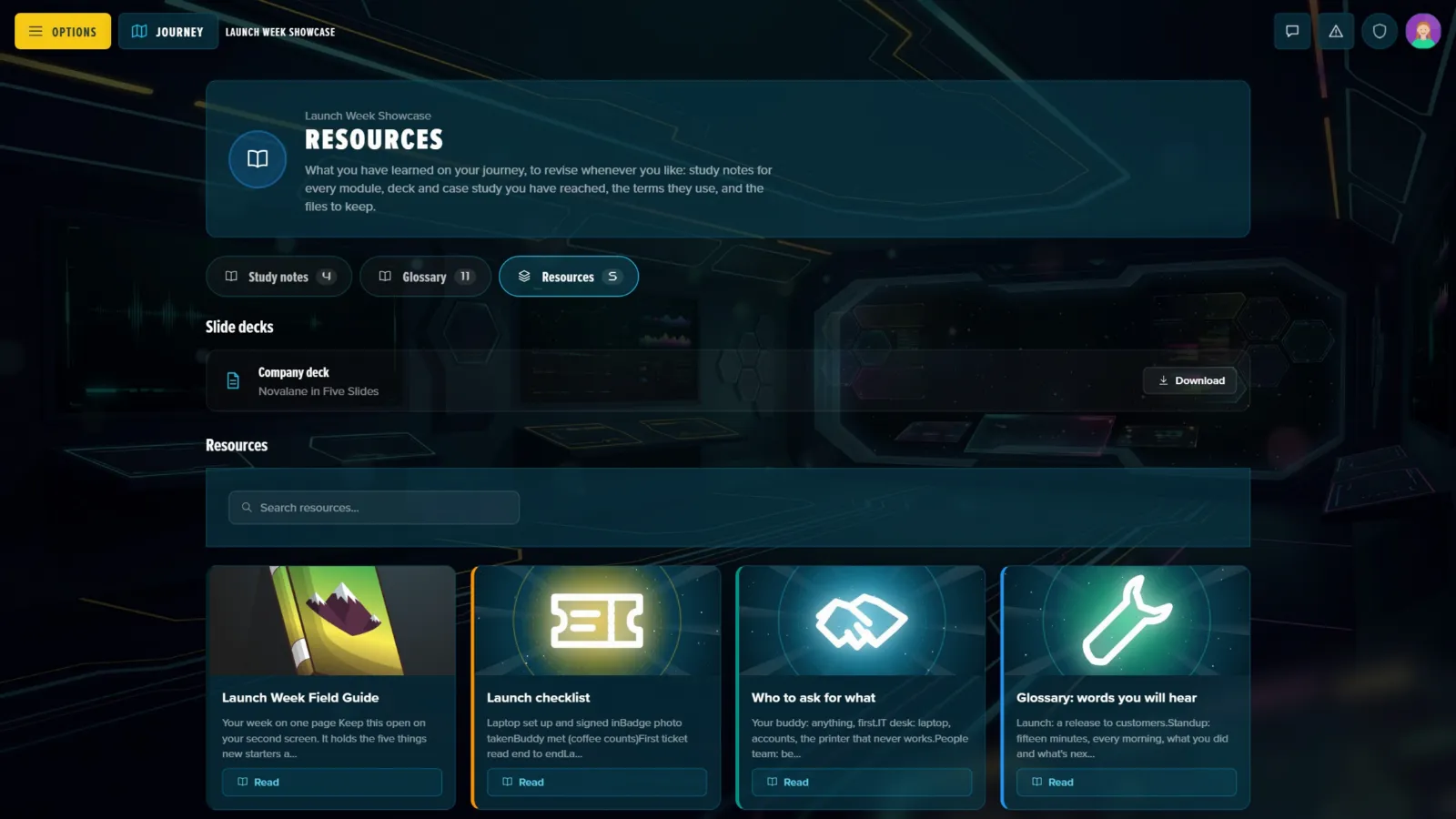
- Resources (or your adventure's name for them) — the slide decks and the resources your Game Master shared.
Each tab carries a count. If your adventure has no study notes, the page is simply the list of resources it always was.
Study Notes
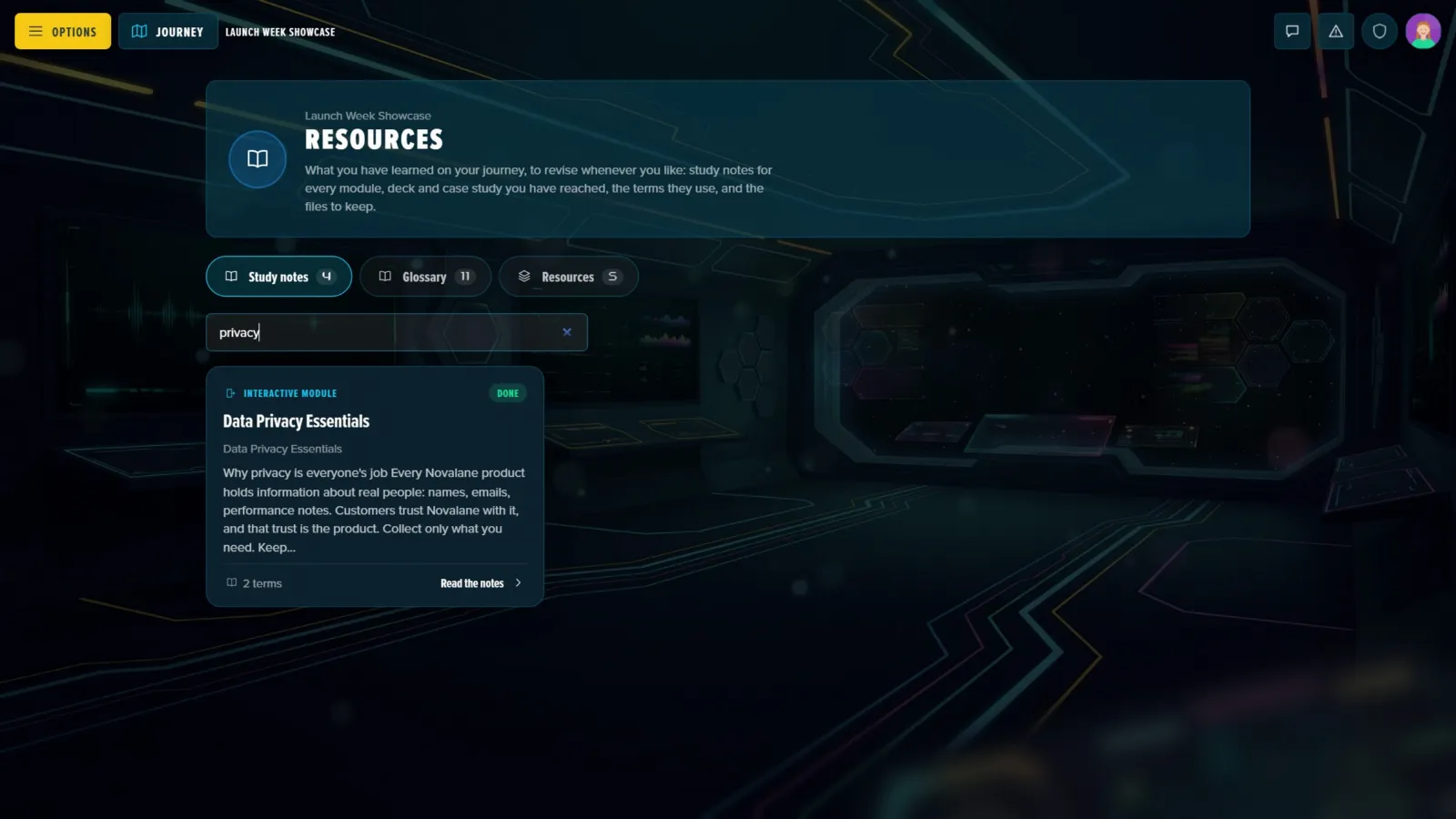
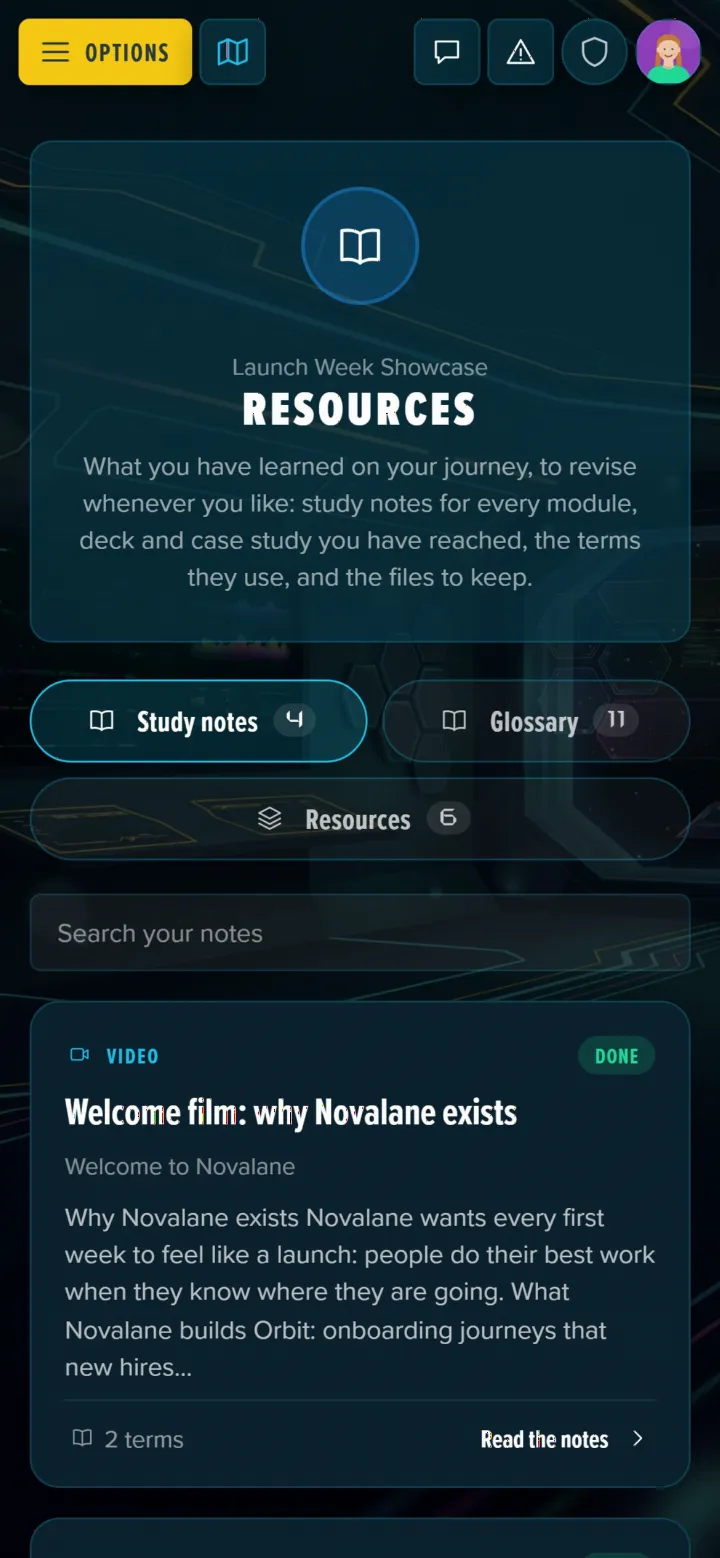
Each set of notes is a card with the milestone it comes from, how many terms it explains, and where that milestone stands for you: Done, Handed in (waiting for a mark) or Open now. Search them with Search your notes, and press Read the notes to open one.
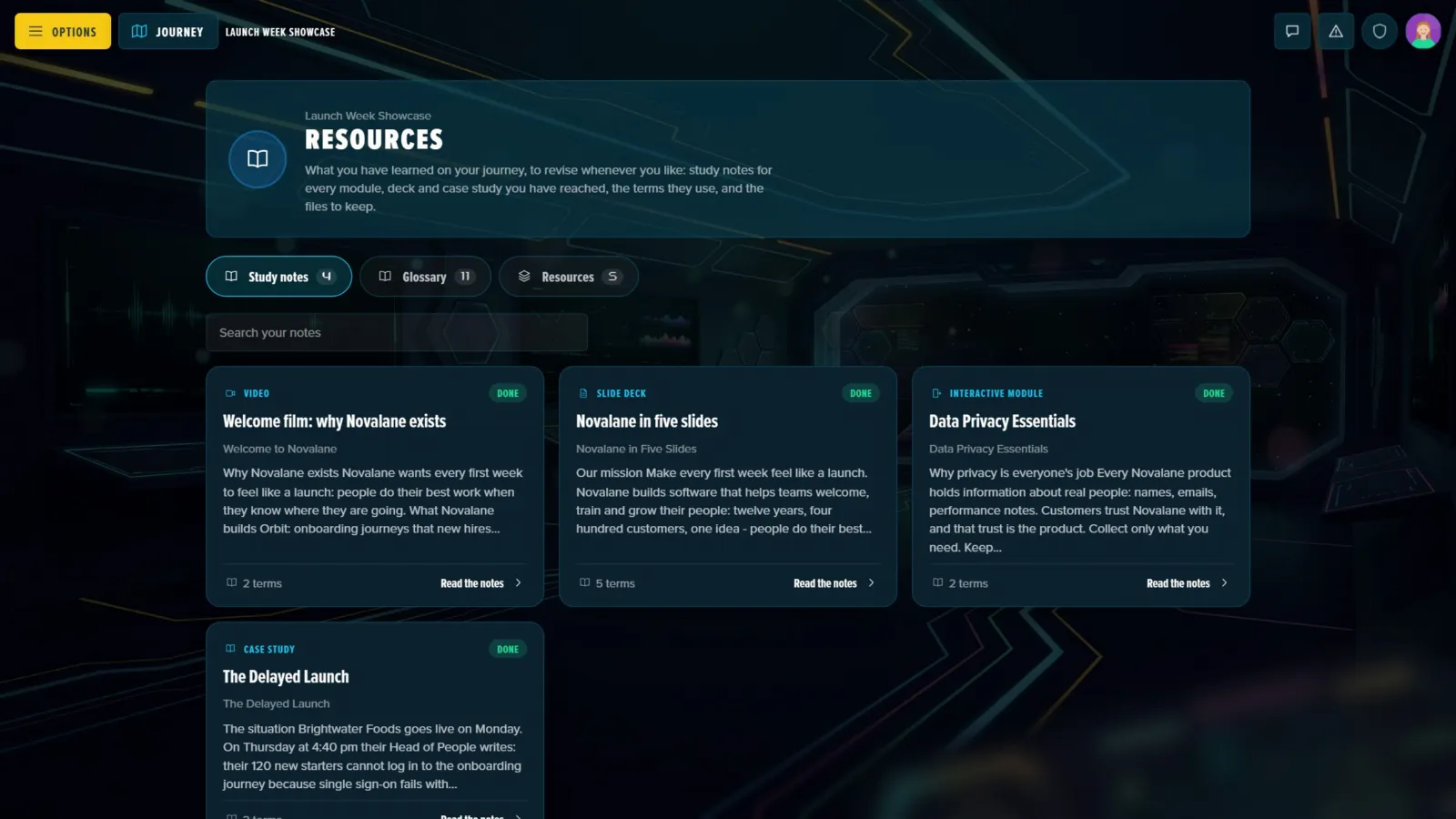
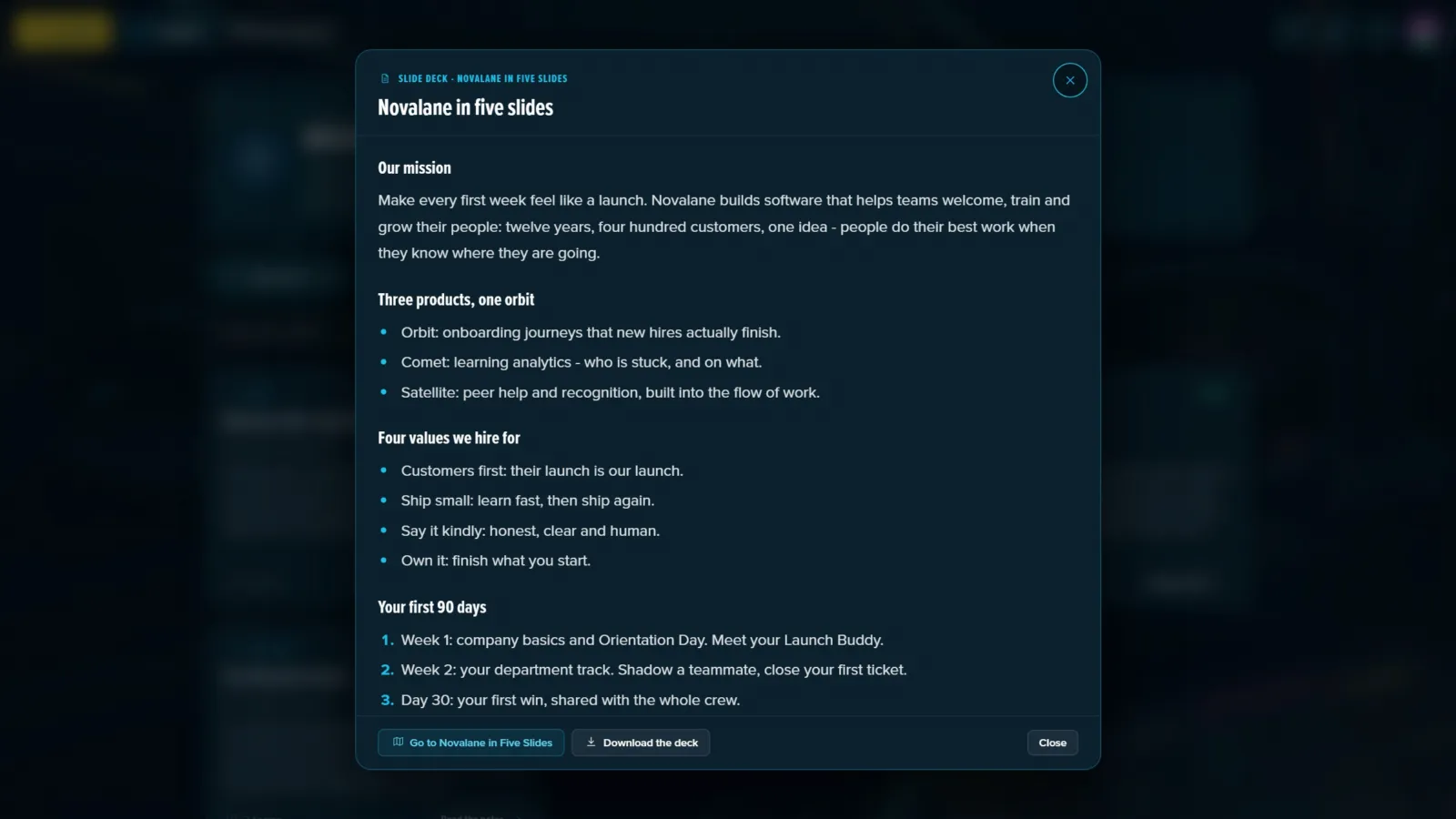
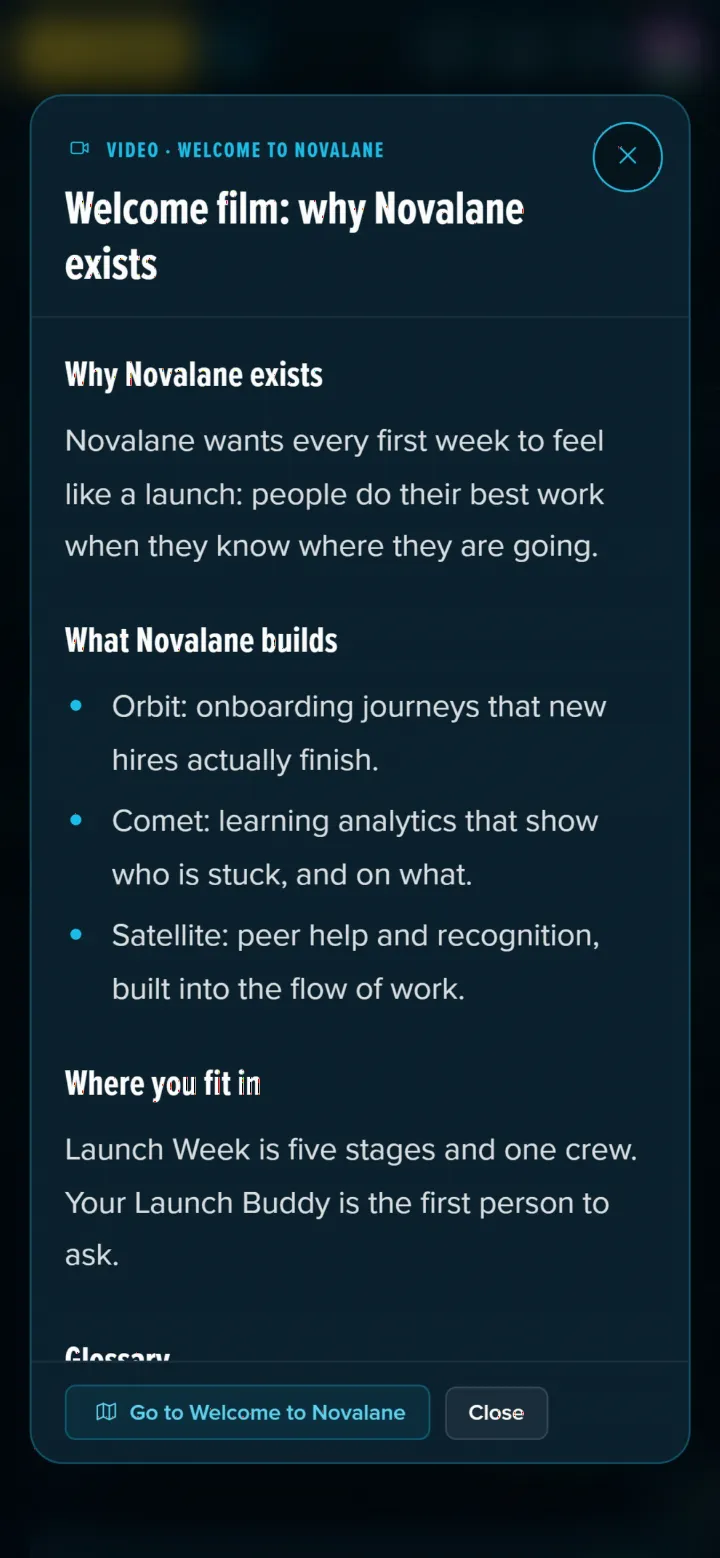
An open set shows the notes themselves, the glossary terms that go with them, and a button to go to the milestone. If the milestone has a slide deck you're allowed to keep, Download the deck is there too. Every set carries the same reminder: the notes were written by A.I. from that step's material and checked by your Game Master, and the material itself is the final word.
You only read notes for what you've reached. Notes for milestones ahead of you stay closed, and the tab just says how many more sets open as you play.
Glossary
Every term from the notes you can read, each with its meaning and where it came from (From:). Use Find a term to search. New terms arrive with each new set of notes.
Resources and Slide Decks
The last tab holds the files. When your Game Master lets players download them, Slide decks lists the deck of every milestone you have open or done, each with a Download button. Below them are the adventure's resources, with a search box, the same as on any Resources page.
On a Phone
The Library works the same on a phone: the tabs sit at the top, and a set of notes fills the screen.
The Library and Cooper
If your adventure has Cooper, the assistant reads the same notes. Ask it where something was covered and it can point you to the module and the notes, within what you've reached.
Related
- Finding Your Way Around — Posts, Resources and the rest of the menu
- Getting Help — Cooper and other ways to get unstuck
- Completing Milestones & Steps — Read it again, inside a milestone
- Authoring the Library — for Game Masters: writing the notes and the glossary