A Challenge is the quiz on your Journey: it tests what you already know rather than teaching you something new. Each attempt deals a set of questions from a bank, and you need a set number right to pass. This page walks through one from the first look to your result.
Before You Start
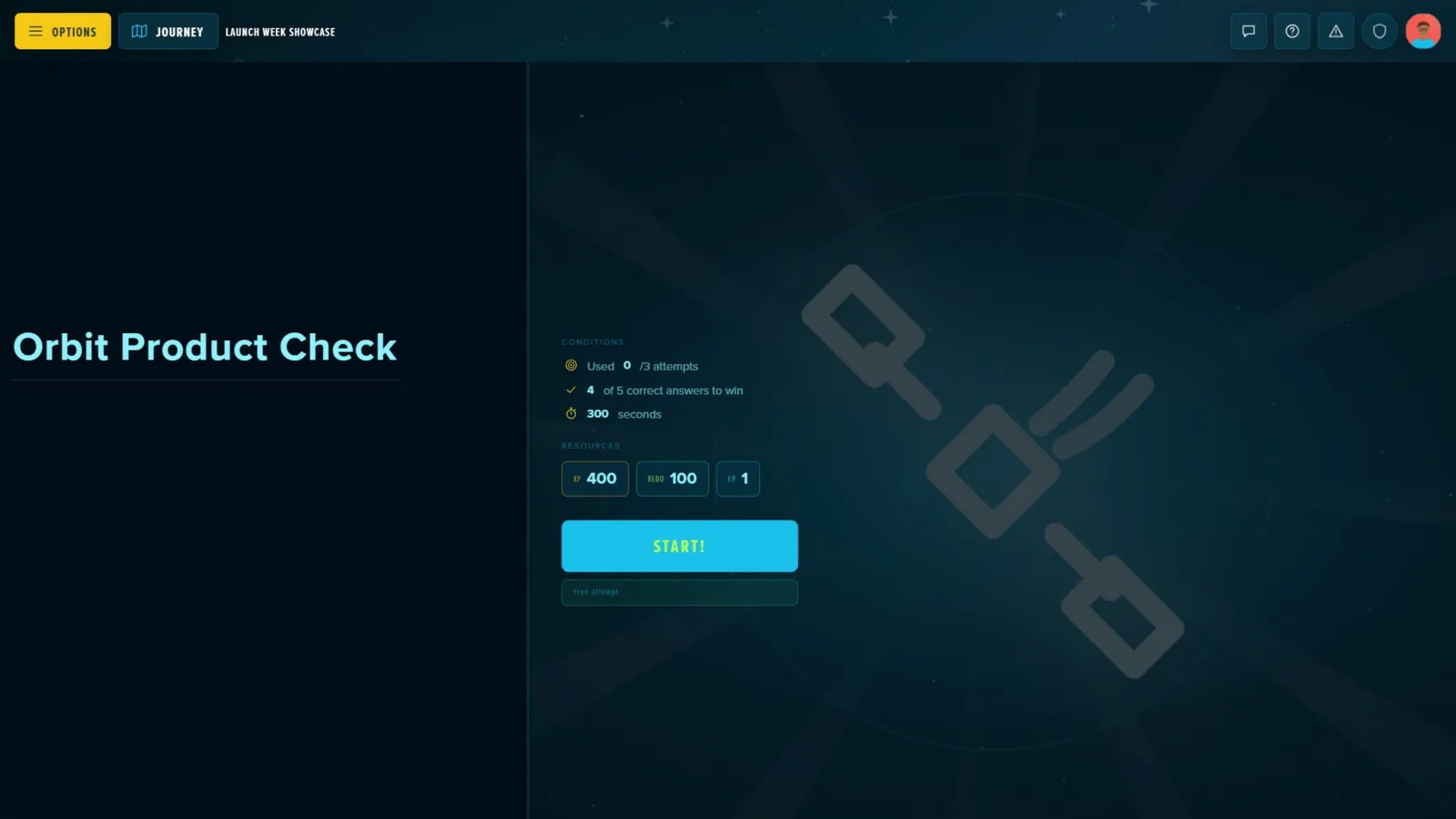
A Challenge page opens on its Conditions:
- Used — how many attempts you've used, out of the limit (or ∞ when there is none).
- N of M correct answers to win — the pass mark.
- The time limit in seconds, or No time limit.
- What it pays — its XP and BLOO, and EP if the adventure uses Energy, under your adventure's own names for them.
Under them is the big button. When you can play, it says Start!, with a note saying whether this is a Free attempt or what the Attempt cost is in BLOO. When you can't, it says why instead: Available at Level N, Max Attempts Reached, Requirements not met!, or the date its deadline passed.
Press Start! and a Get Ready! card warns you that refreshing the page before you finish loses the attempt (a bought attempt is spent too). If the attempt costs more BLOO than you have, it won't start and the card tells you so. Press Start the challenge to begin.
Answering
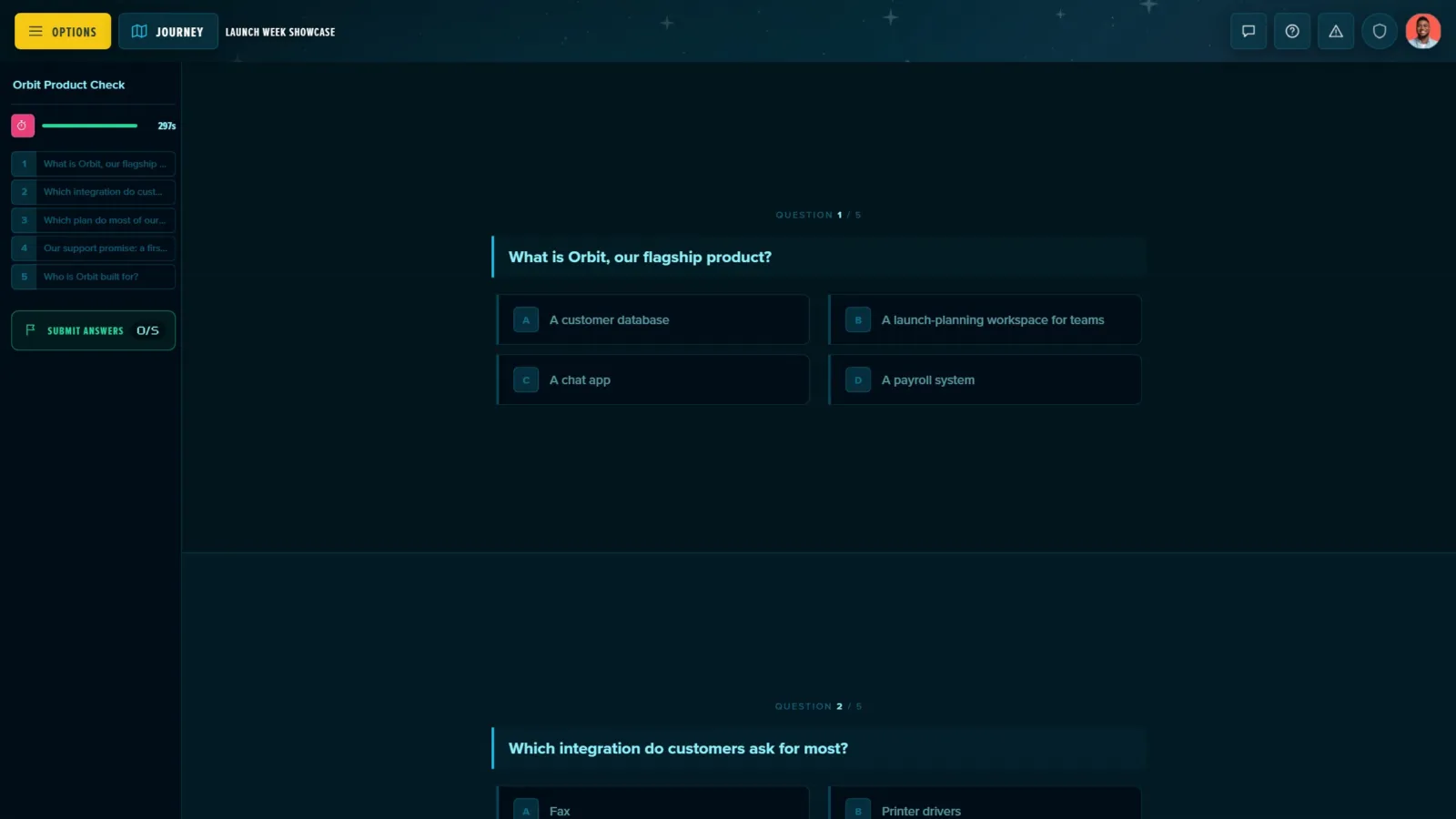
All the questions of the attempt are on one page, one under the other. Down the side, a numbered list names each question (click one to jump to it), and on a timed Challenge the clock sits above the list.
Kinds of Question
Each question says what it wants, and every one is all or nothing: a question only counts as right when all of it is right. A question can also come with a picture, a video or an audio clip. The answers are shuffled for every player, so the right one is never simply first.
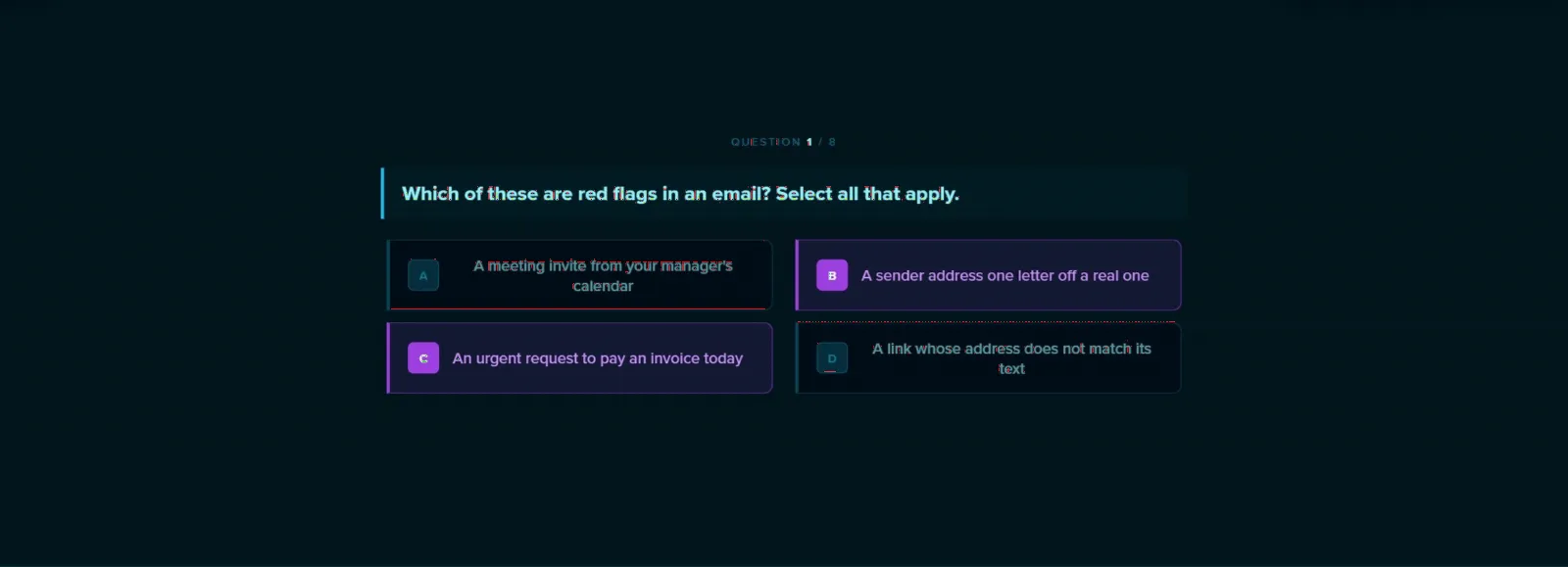
Choice — pick the right answer. When more than one answer is right, the question says so, and you must pick every right one and nothing else. A true-or-false question is a choice between two answers.
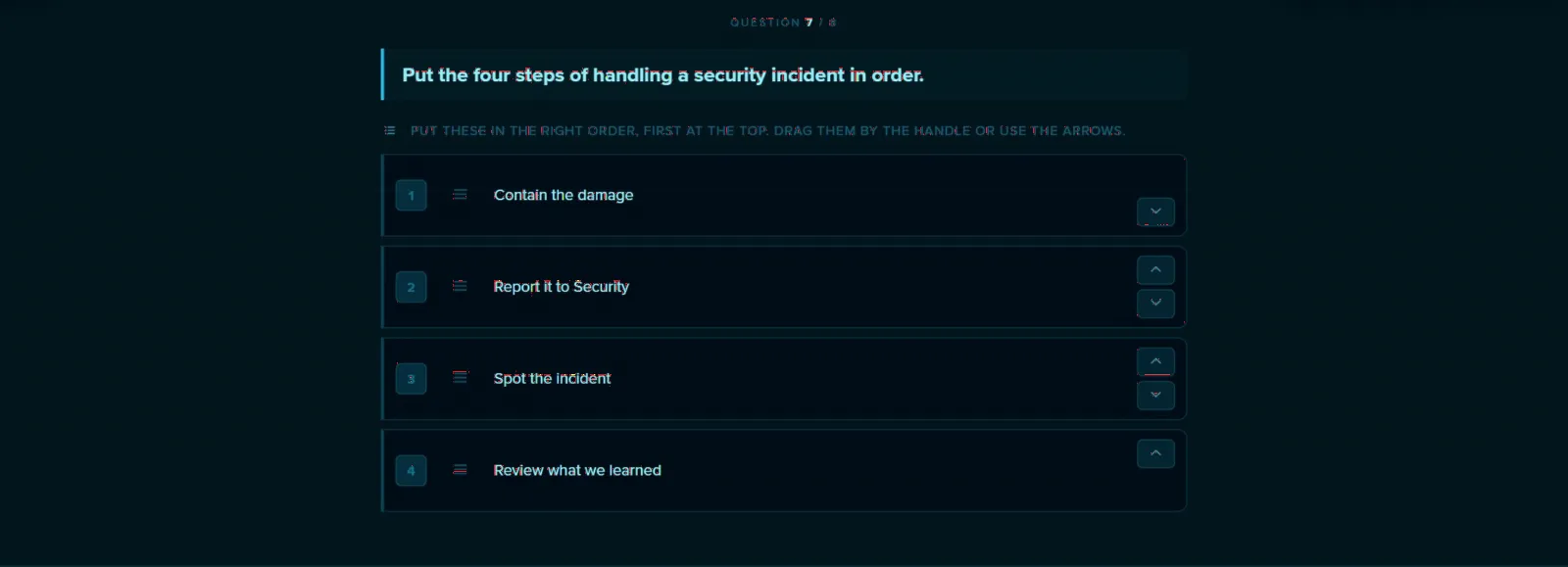
Order — put the items in the right order, first at the top. Drag them by the handle or use the arrows.
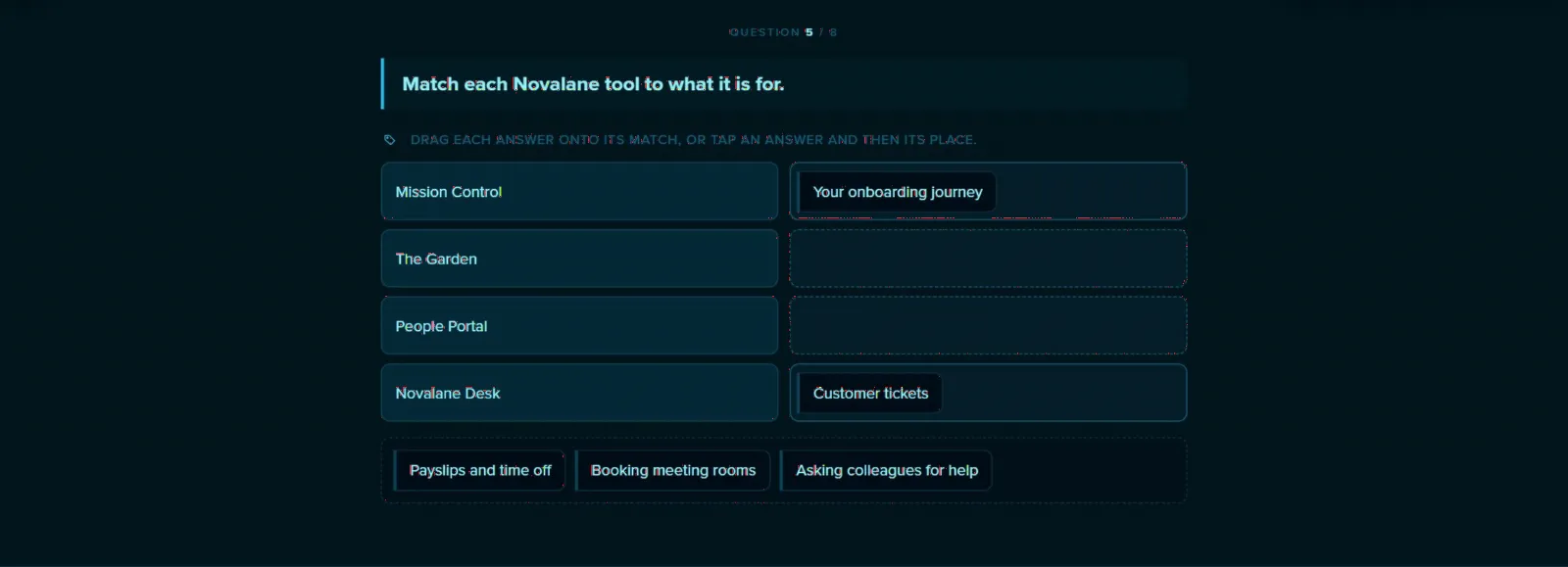
Match — drag each answer onto its match, or tap an answer and then its place. Some answers may match nothing, to make guessing harder.
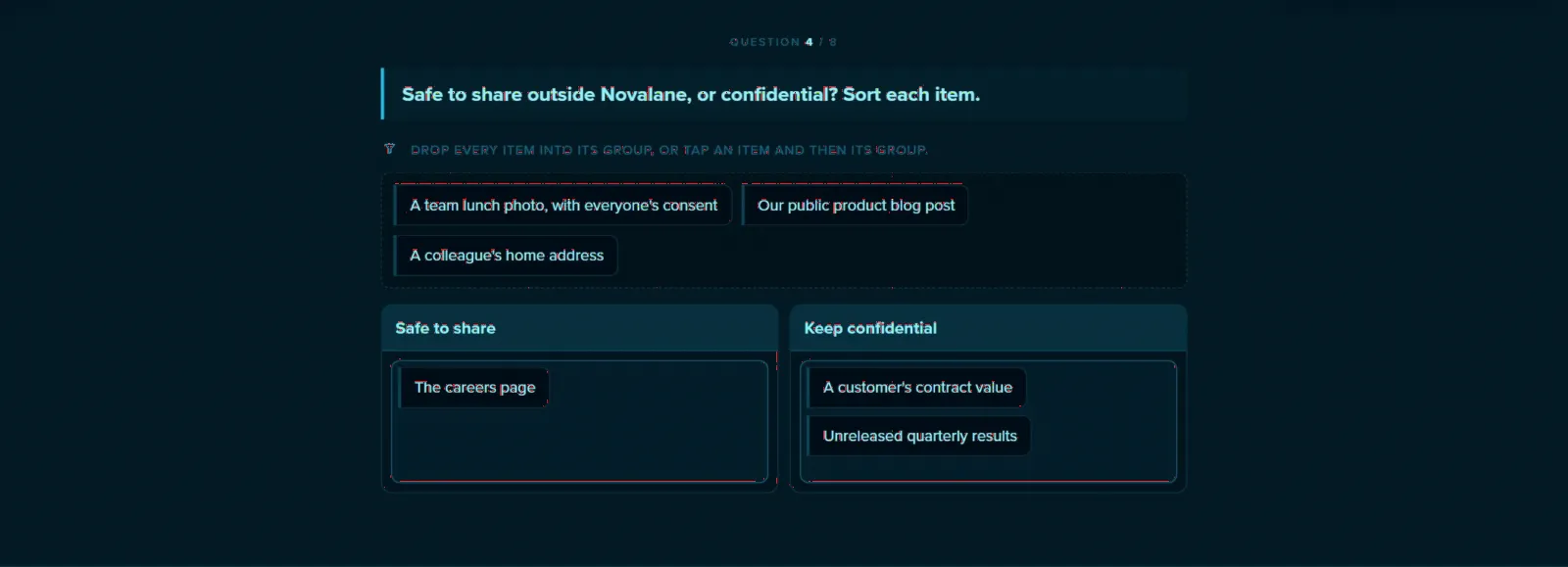
Group — drop every item into its group, or tap an item and then its group.
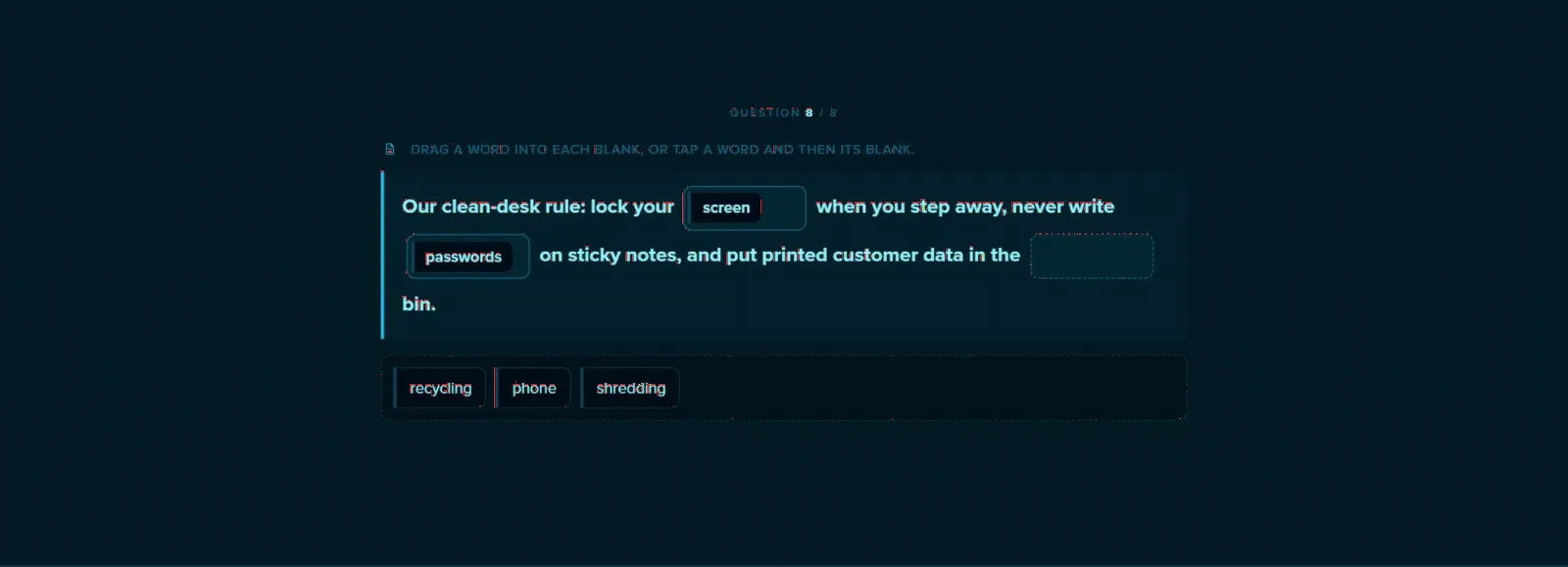
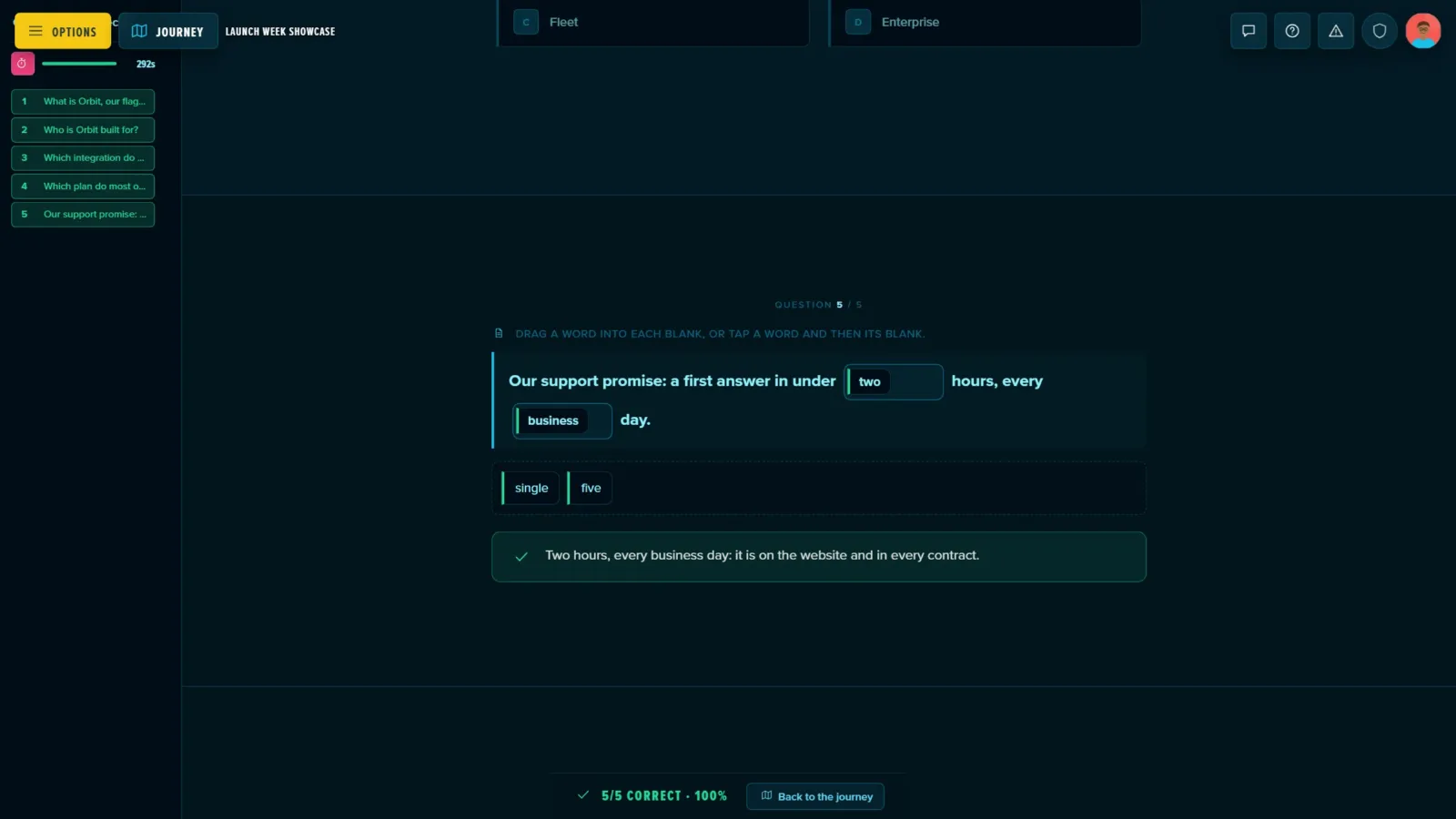
Gaps — drag a word into each blank in a sentence, or tap a word and then its blank. Some words may fit no blank.
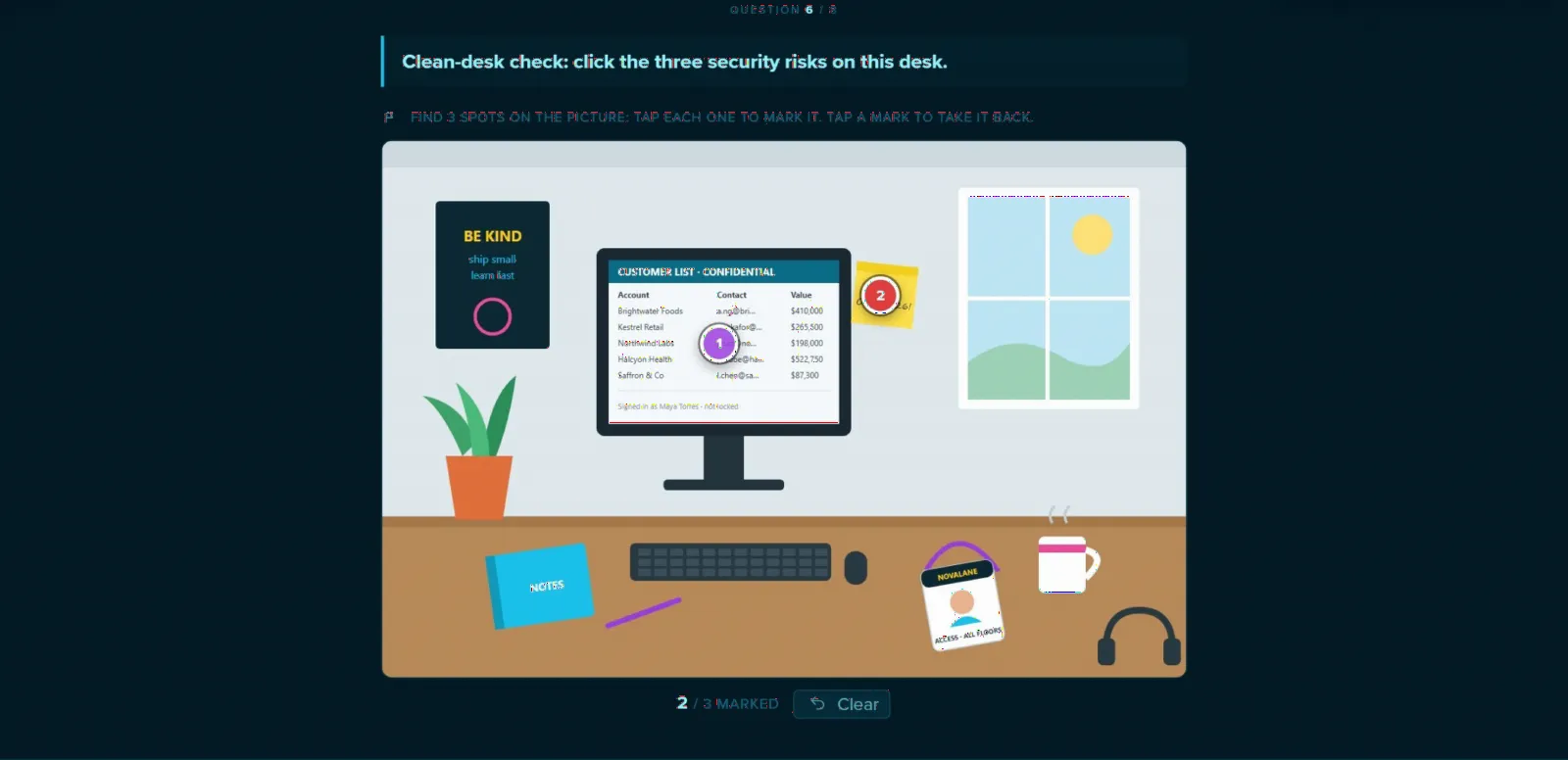
Hotspot — find a number of spots on a picture and tap each one to mark it. A counter shows how many you've marked; tap a mark to take it back, or Clear them all.
The Clock
On a timed Challenge a bar counts down as you answer. When it runs out, a Time's up! screen covers the questions; click it and what you've answered so far is handed in.
Submitting
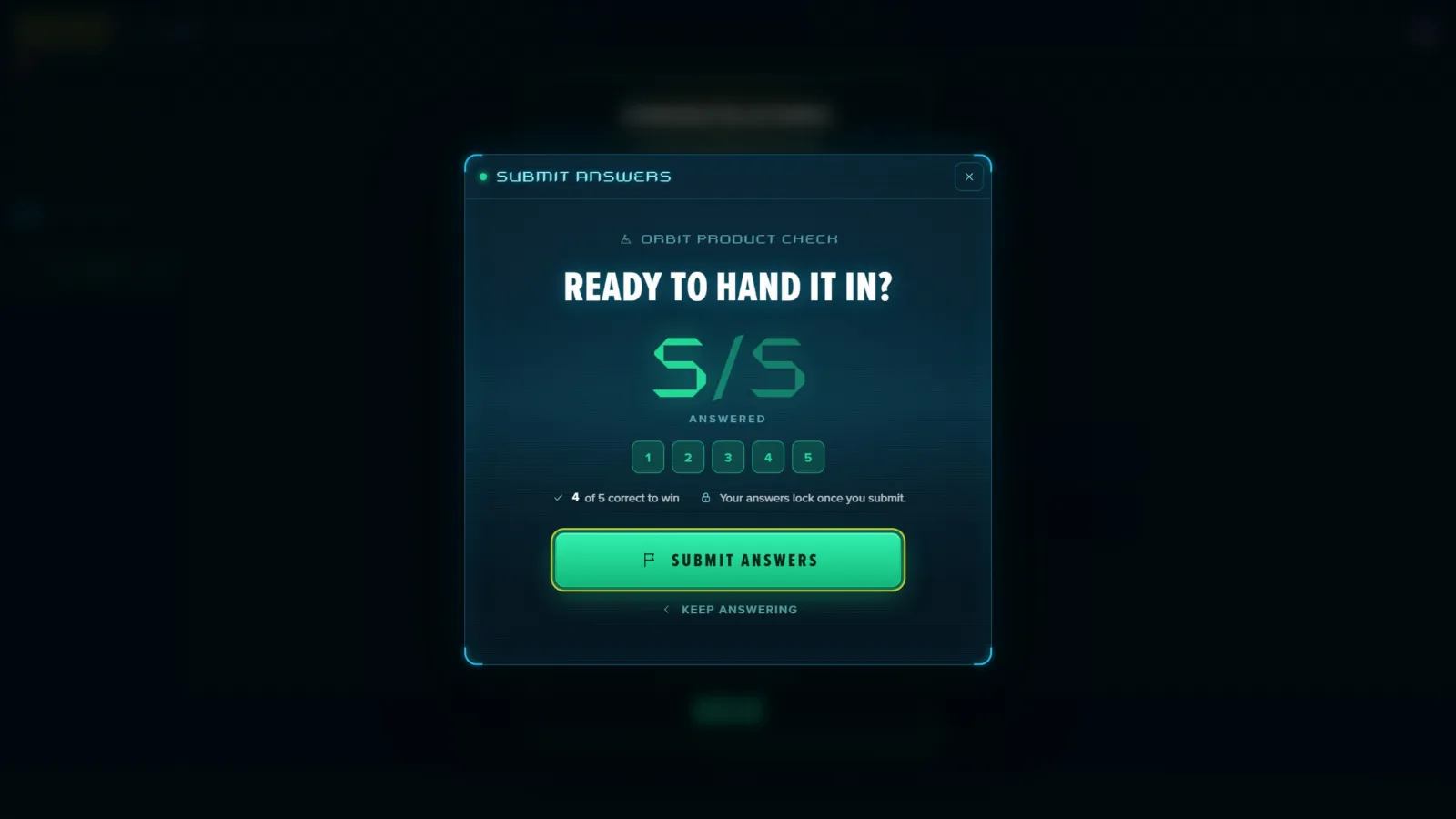
The Submit answers button fills up as you answer: it sits beside the questions, at the end of the list, and in a bar along the bottom on a phone. Pressing it opens one full-screen check before anything is final: how many you've answered, a numbered dot for every question (press one to go back to it), a warning for any question left blank (it counts as wrong), and a reminder that your answers lock once you submit. Choose Submit answers to hand it in, or Keep answering to go back.
Your Result
A sealed card spins while your answers are graded, then lands:
- Gold when you pass: Challenge conquered, your score against the pass mark, and the rewards counting up. A button names the next open milestone ahead of you; with nothing open ahead, Back to the journey. If you'd passed this Challenge before, the card says its rewards were paid the first time.
- Red when you don't: Challenge failed, your score, and how many attempts you have left, with Try again while you have any.
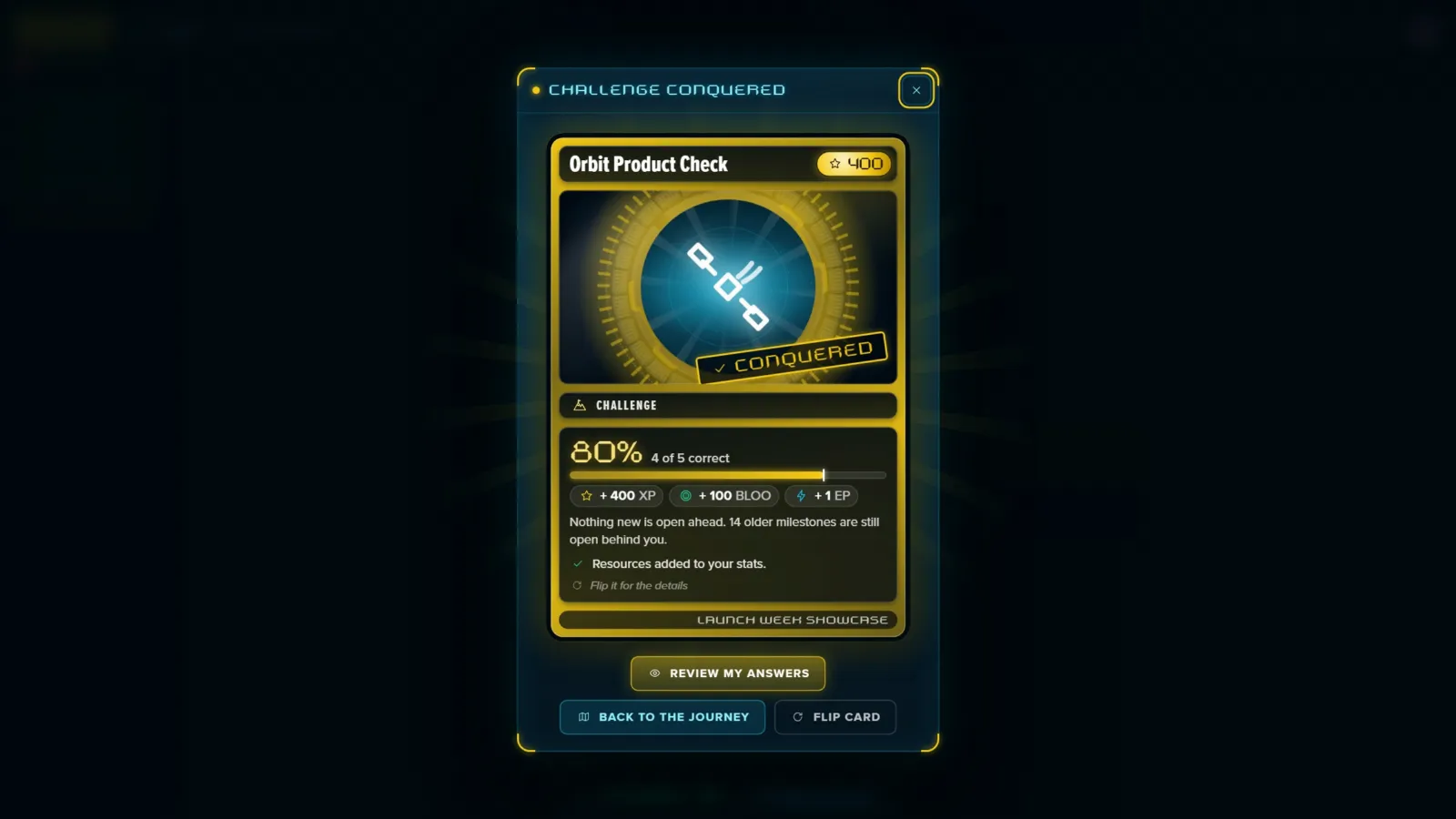
Either way, the card's main button is Review my answers. Behind it are your graded questions, each marked right or wrong. The ones you got right come with your Game Master's explanation of why; the ones you got wrong don't, so a retry isn't handed the answers. Anything else the attempt earned, such as an achievement or an item, opens in a celebration panel after the card.
A Challenge pays once, the first time you pass it, and a later attempt that goes worse never takes that back. A Challenge can cap how many attempts you get, and attempts beyond the free ones can cost BLOO. You can't buy an attempt while your BLOO is below zero.
Looking Back
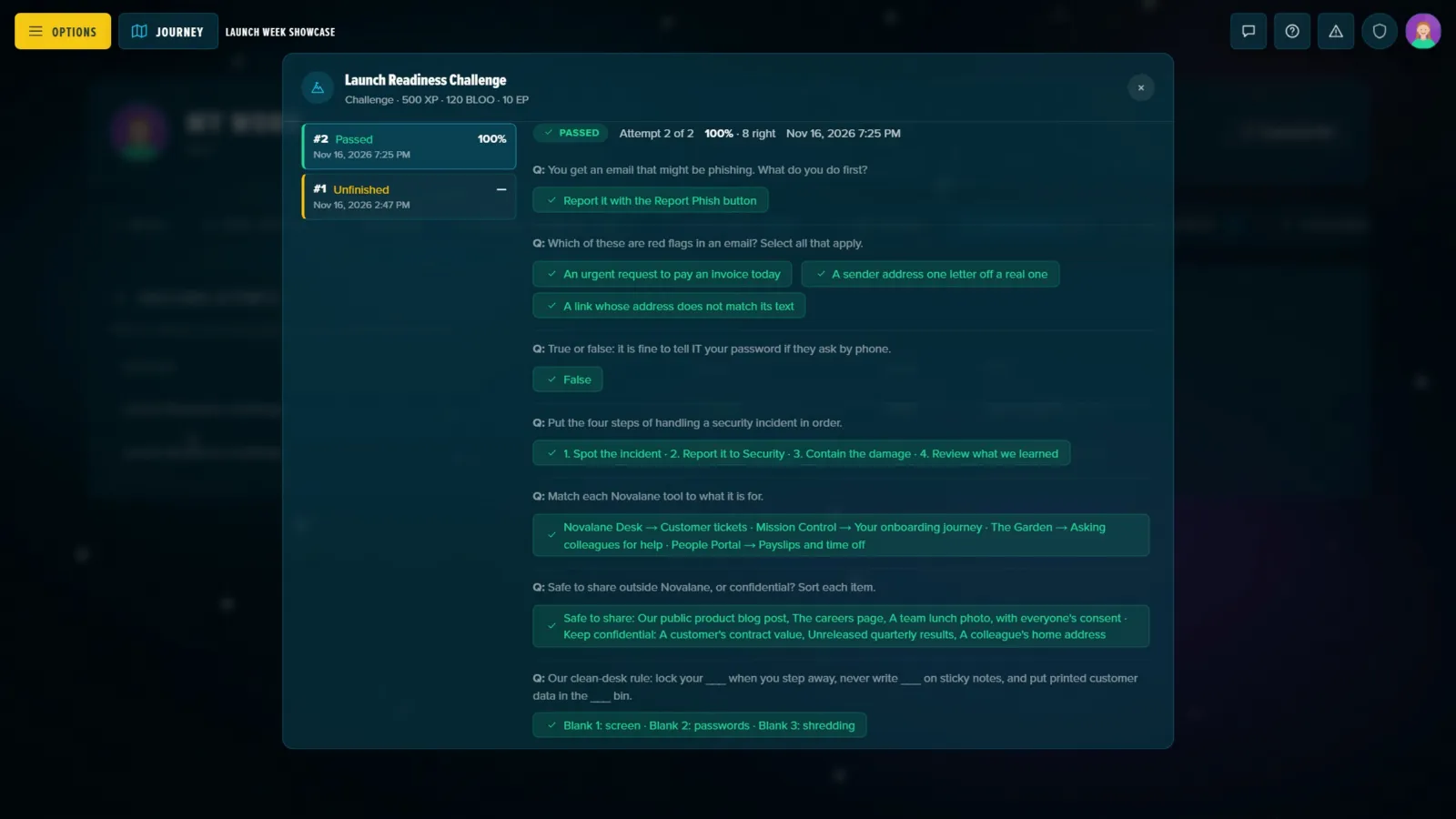
Every attempt you've made is listed on your Journal's Challenges tab: pass or fail, your grade and the date. Click one to see each question, the answer you gave, and whether it was right. It's a good way to learn from a quiz you didn't ace the first time. See The Journal.
Related
- Completing Milestones & Steps — the other kind of node on the Journey
- Understanding XP, BLOO & EP — what a Challenge pays, and what an attempt costs
- The Journal (My Work) — every attempt, question by question
- Challenges — Concept — how Game Masters design them