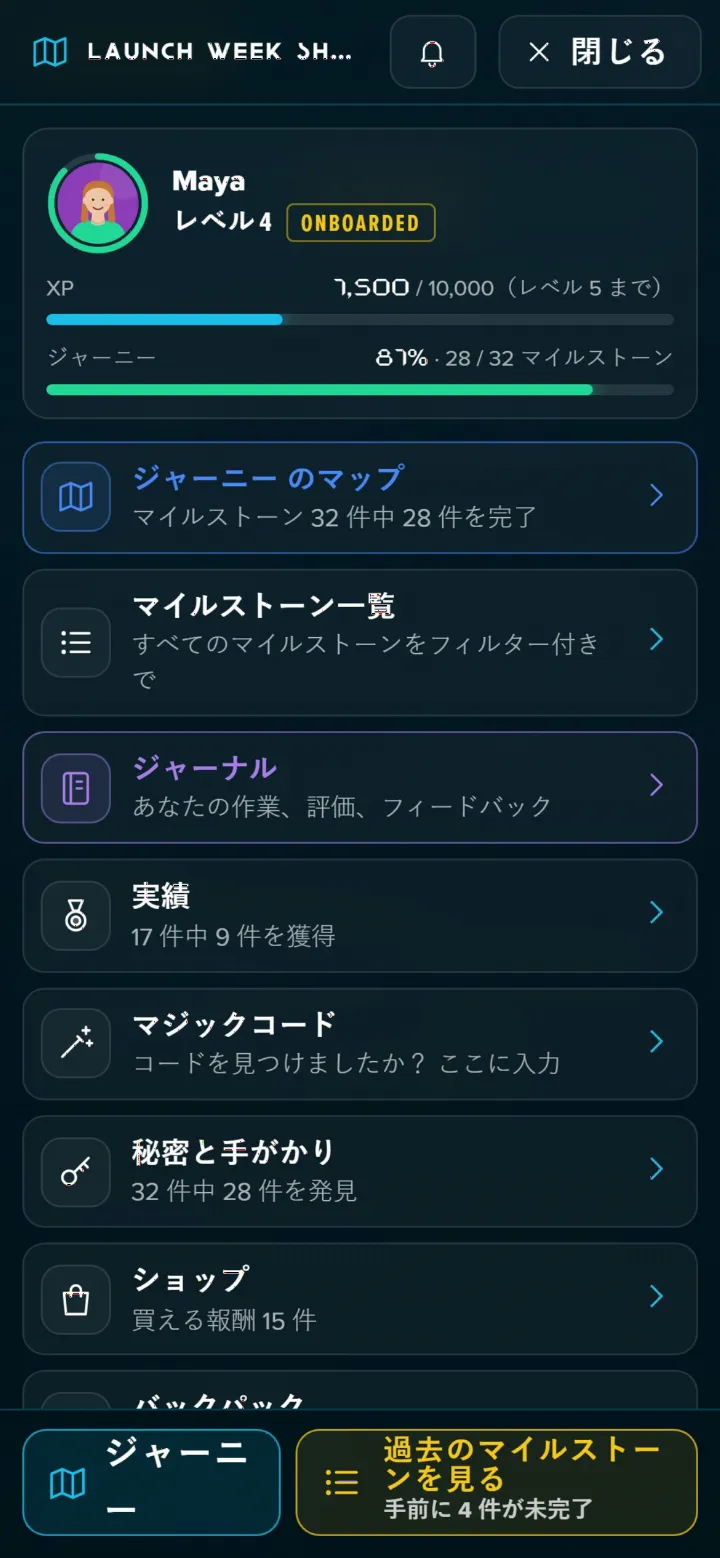
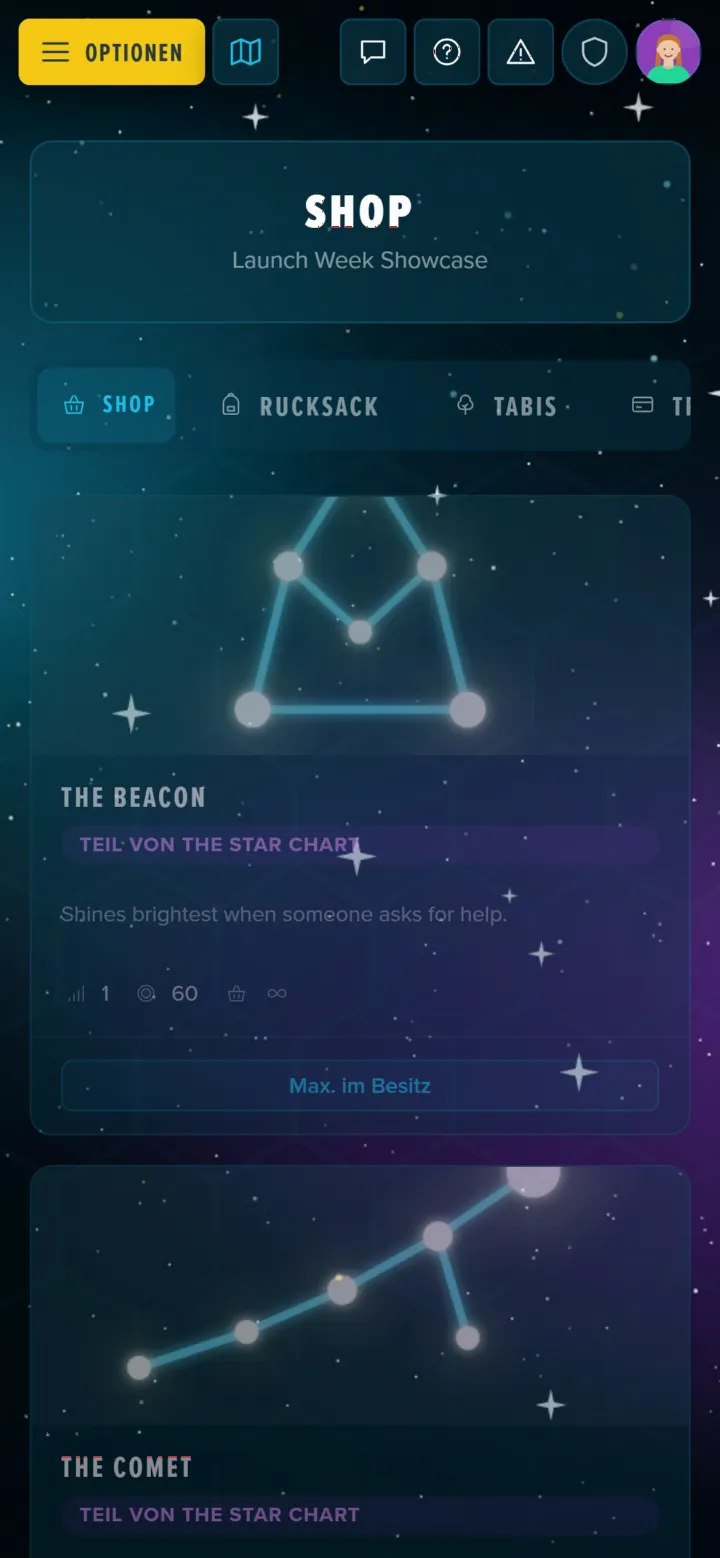
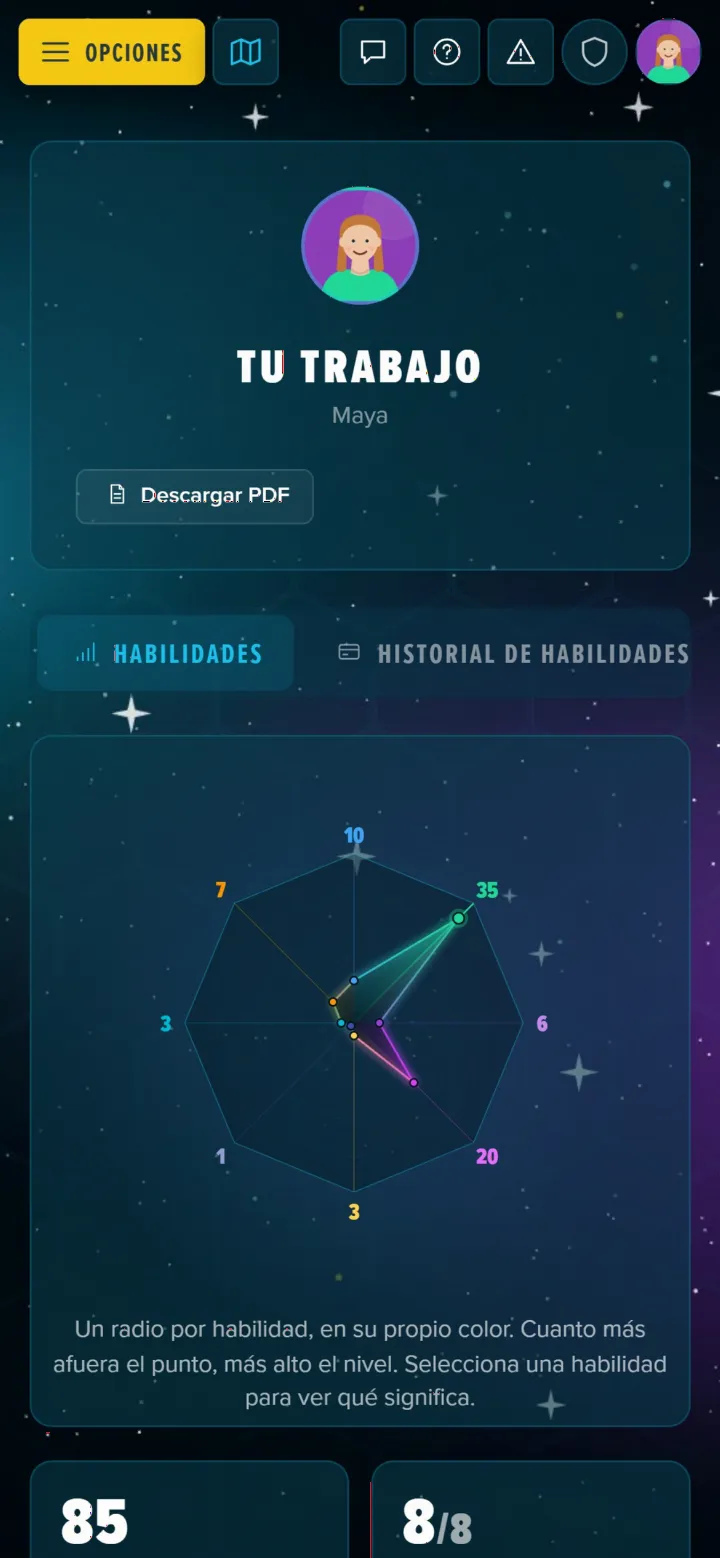
BLUERABBIT speaks 11 languages. Pick yours and the buttons, menus, messages and guided tours all switch to it, in every adventure you play.
The Languages
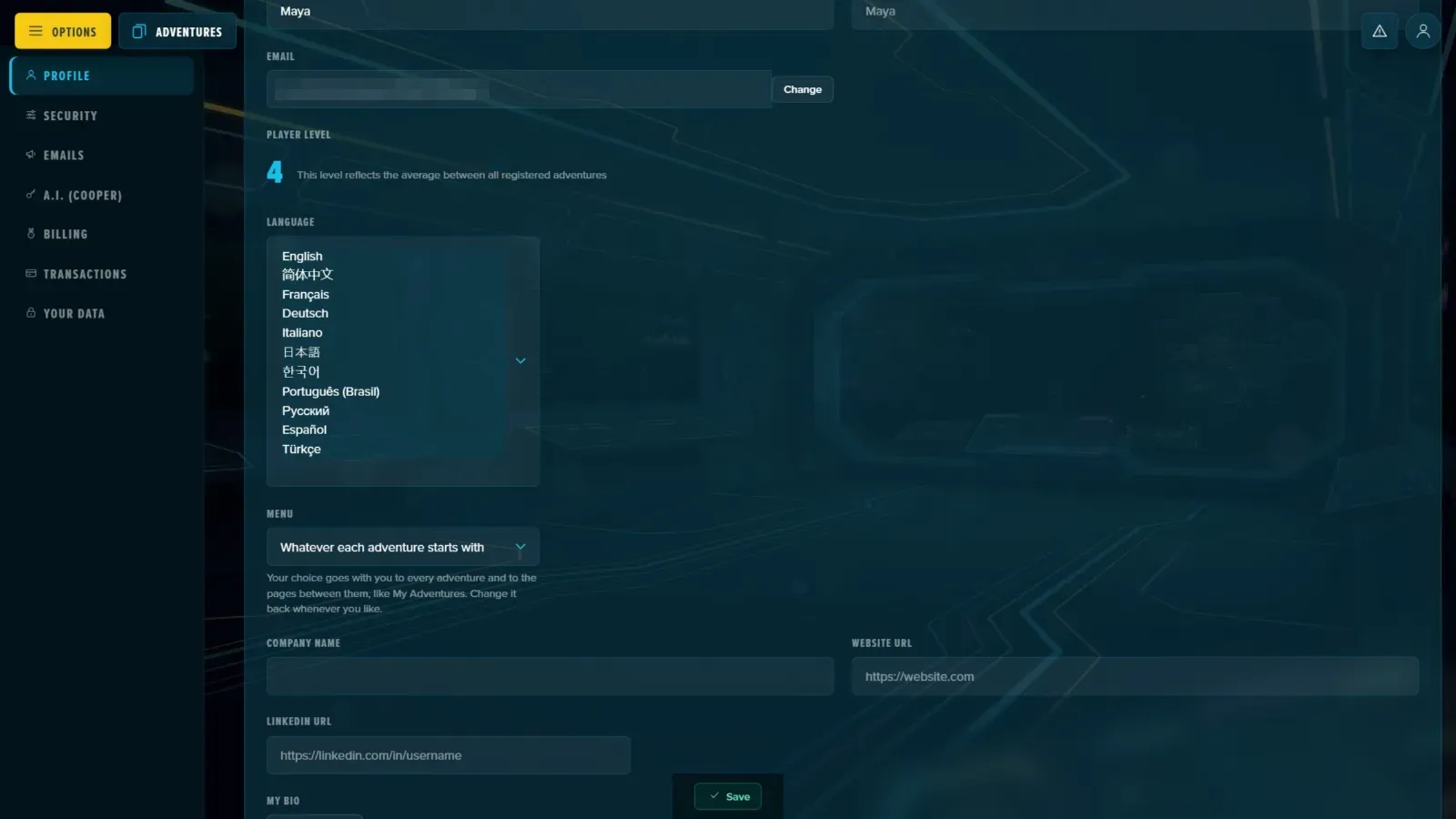
Each language is listed in its own name, so you can find yours whatever language the page is in now:
- English
- 简体中文 (Chinese, Simplified)
- Français (French)
- Deutsch (German)
- Italiano (Italian)
- 日本語 (Japanese)
- 한국어 (Korean)
- Português (Brasil) (Portuguese, Brazil)
- Русский (Russian)
- Español (Spanish)
- Türkçe (Turkish)
Choosing Yours
- When you sign up — the sign-up form has a Language field.
- Any time after — open My Account and change Language in the Profile section. The page reloads in the new language straight away.
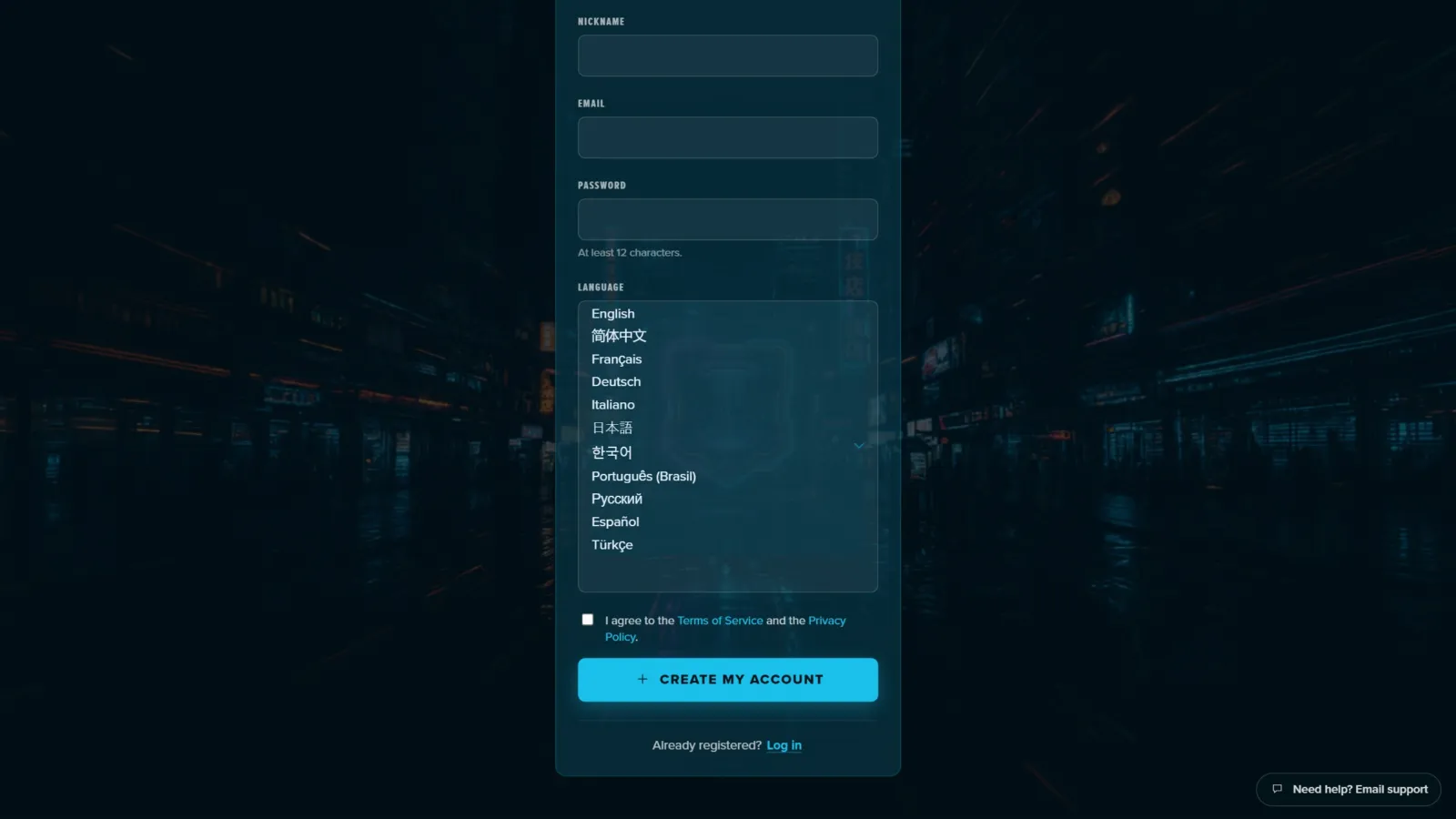
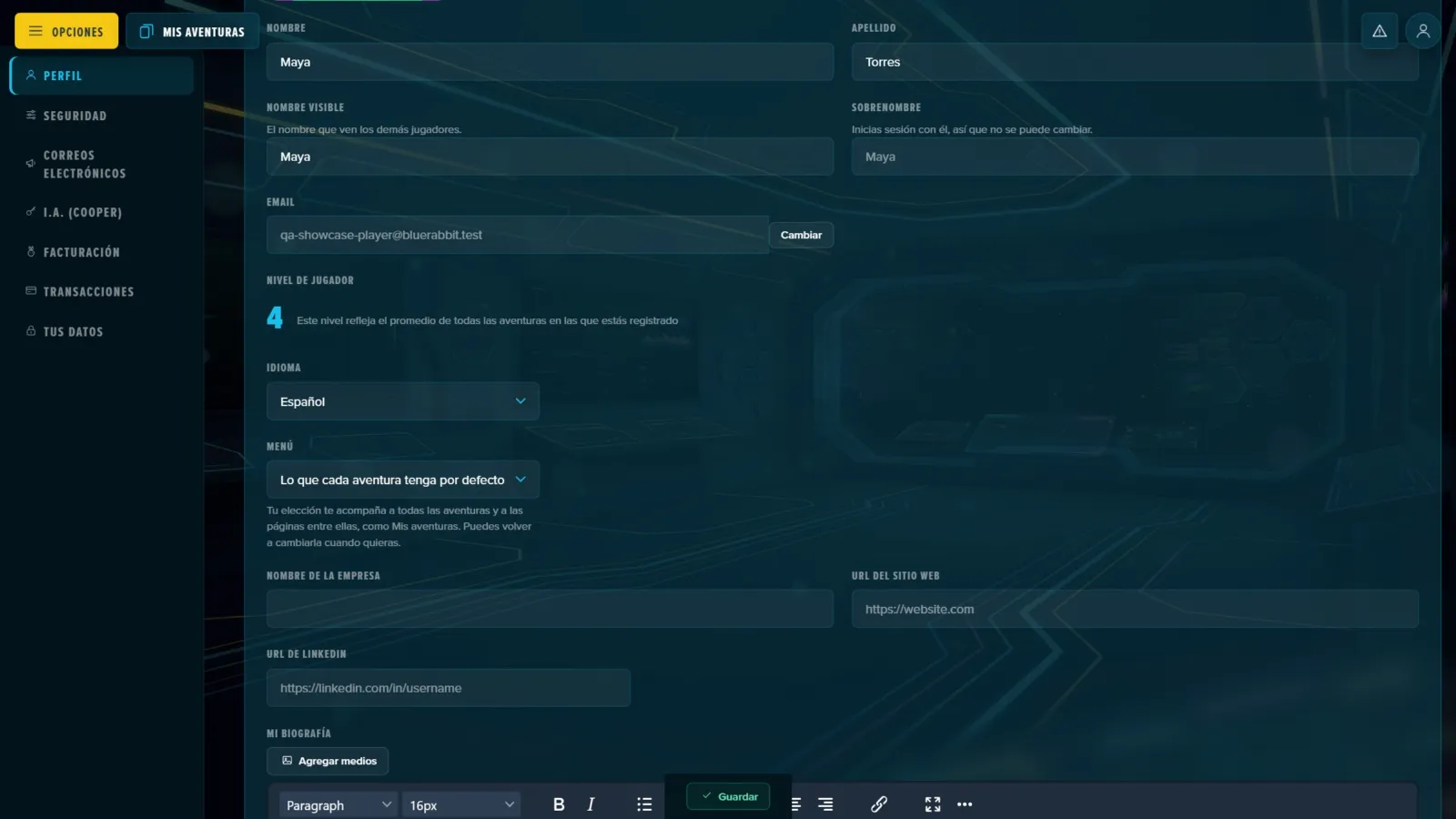
Your language belongs to your account, not to an adventure: it follows you everywhere. If you've never chosen one, you see the platform's default language.
What Changes, and What Doesn't
Everything BLUERABBIT itself says is translated: the menus and buttons, messages and confirmations, the guided tours, the labels on your Journal and the names of days and months in dates.
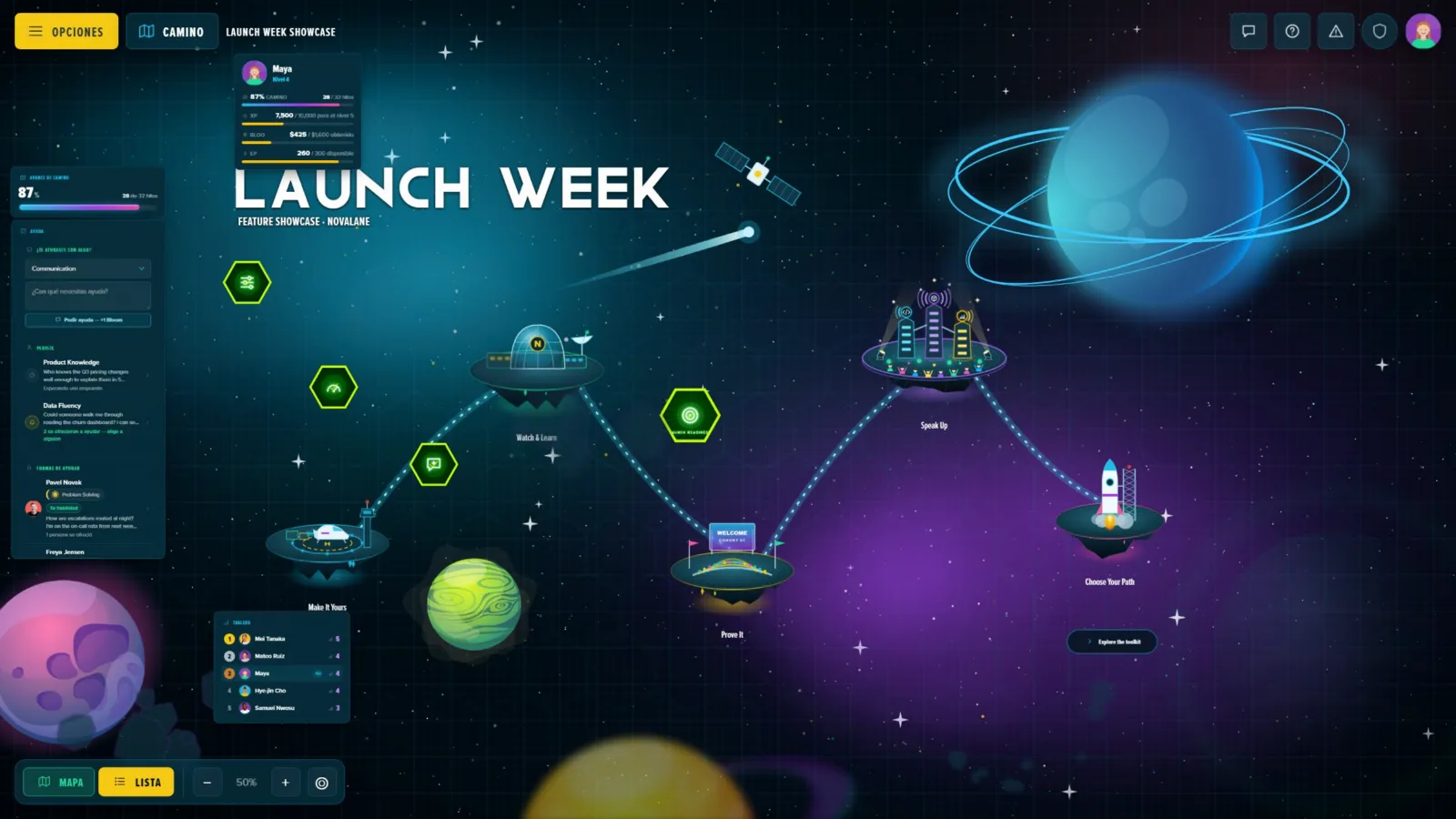
What people wrote stays as they wrote it:
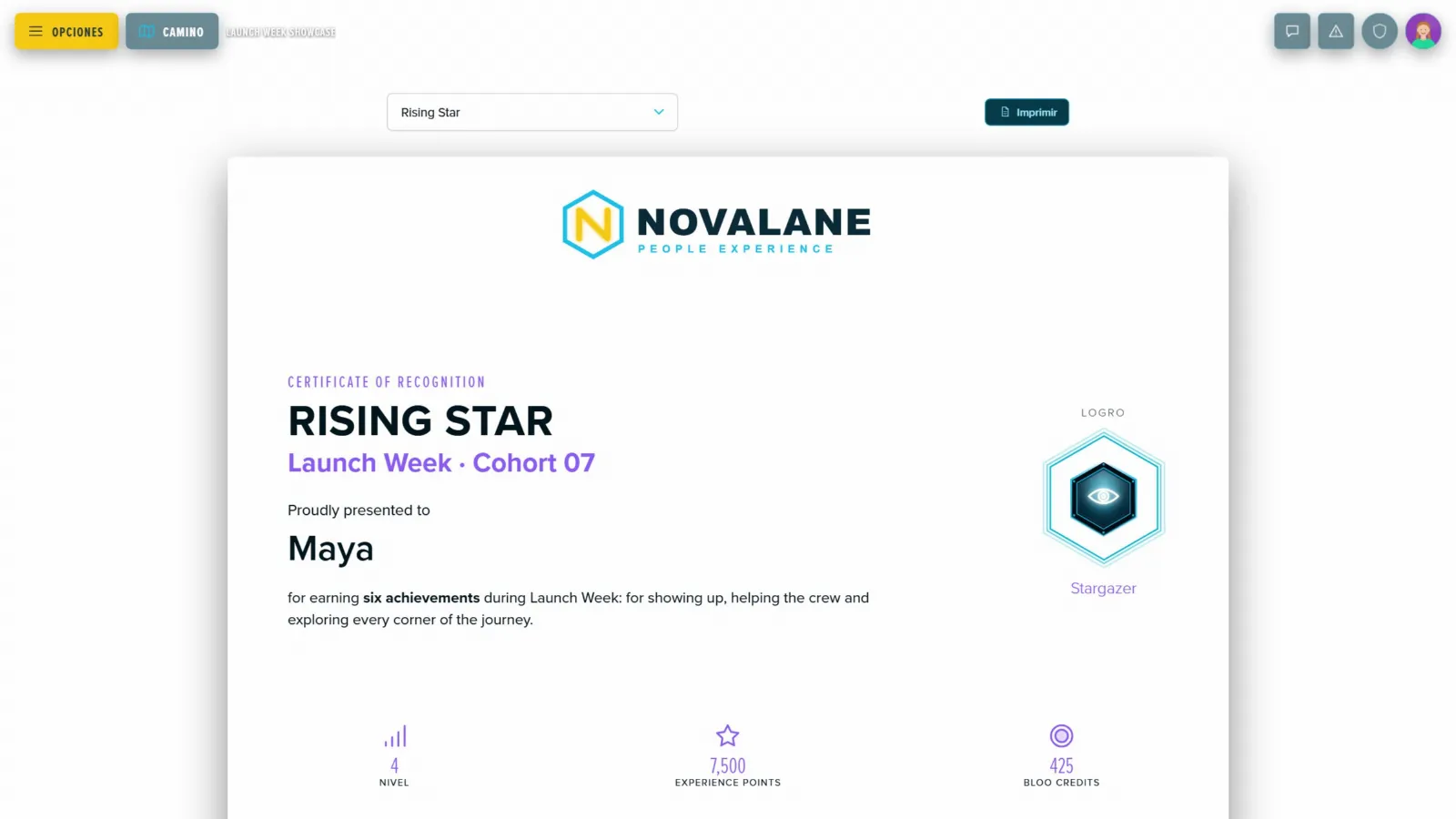
- Your adventure's content — milestones, steps, posts, items, achievements and everything else your Game Master wrote appear in the language they were written in.
- Names your Game Master chose — if your adventure has renamed its Journey, its sections or its currencies, those names stay exactly as set. XP, BLOO and EP keep their names unless your Game Master renamed them, and the Garden's Blooms are called Blooms in every language.
- Emails — BLUERABBIT's own emails, such as confirmation links and password resets, are sent in English. An email your Game Master writes arrives in the words they wrote.
- The text editor's toolbar — the formatting buttons of the rich-text editor (in My Account, for example) are still in English.
On a Phone
Your language follows you onto a phone the same way.